
On this page you will find a few simple steps to help you get ready and to care for your lamp.
1. What is in the box
When you open your package, you will find:
- Your Tide.lamp
- A USB C power cable
- Quick start guide
- Safety and care notes
2. What you will need
You will configure your Tide.lamp using the Tidelight app. Search for Tidelight in the app store on your Apple or Android device and install it.
You will also need a USB power plug capable of supplying at least 2 amps to power your Tide.lamp. Do not plug it into another device, such as a TV, router, laptop or phone, as they do not provide enough power and can cause problems with your lamp.

3. Where to put your Tide.lamp
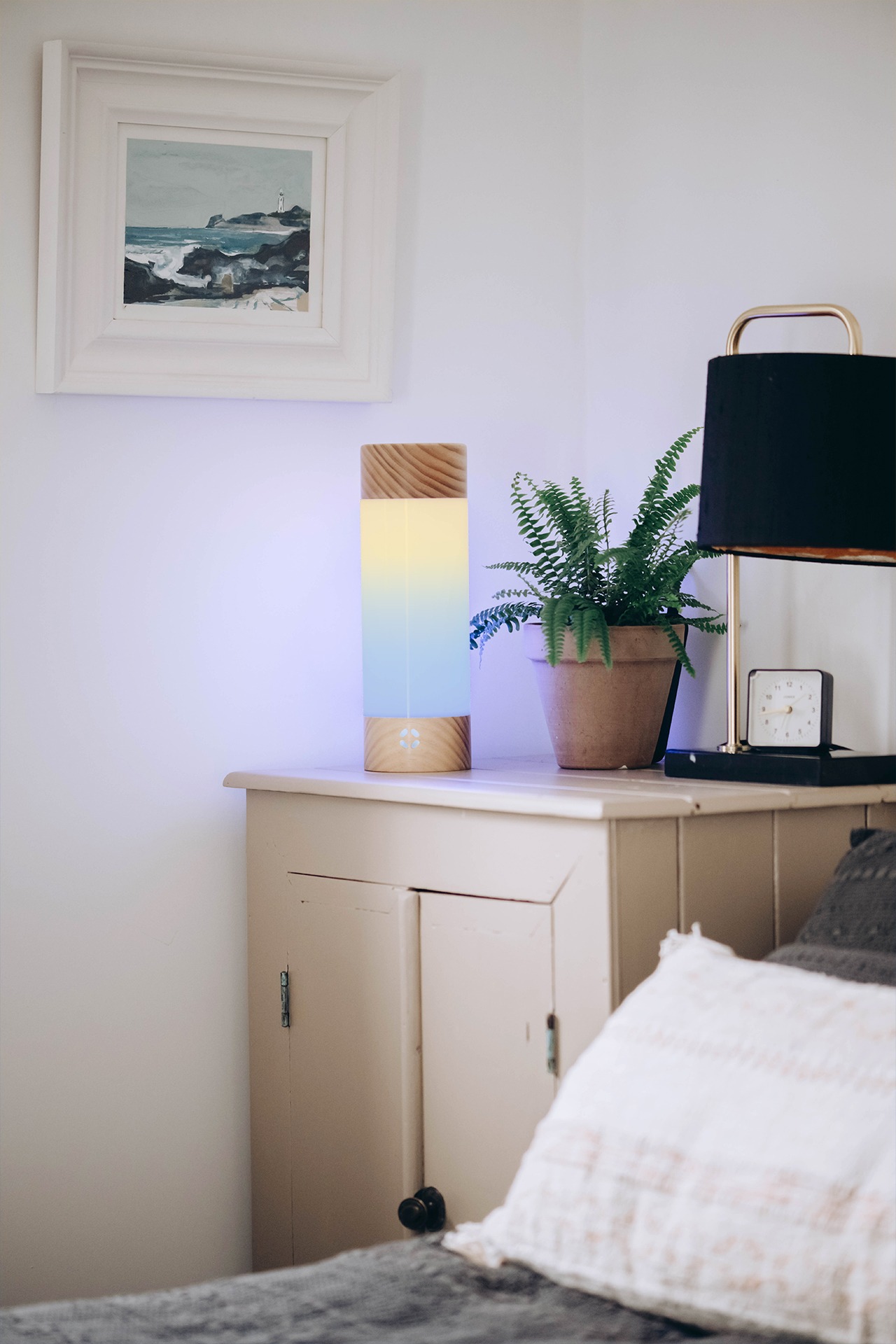
Tide.lamp works well in any room on a shelf, bedside table or sideboard. Any spot with a steady Wi Fi signal is suitable. The soft glow is designed to complement your room rather than dominate it.
When positioning your lamp, remember that the status light on the front should be visible so you can get the most out of it.
4. Caring for your lamp
Tide.lamp contains natural materials that have been treated with oil.
For the "Mariana" models of lamps, they might need a very gentle wipe with a damp(not wet) cloth when they come out of the box.
We recommend placing it on a coaster while the lamp settles into your home environment. In the future, you can treat the wood with lemon oil (we can provide details on this if required), although it's not essential.
Further care information can be found in the manual.
You can find the full manual at https://support.tidelight.co.uk/support.

5. Celebrate your Tide.lamp with us
Your support has helped establish Tidelight as a company with a bright future. We would like as many people as possible to hear about Tide.lamp and your experience with it.
We would love to see your photos and stories of how you are using your lamp on social media. Please tag @tidelightltd on most social platforms so that we can celebrate with you.
Thank you again for supporting Tide.lamp. We look forward to you connecting with your favourite beach.
Need more help?
We have a dedicated support site with manuals, answers to common questions, and a contact form.
Was this article helpful?
That’s Great!
Thank you for your feedback
Sorry! We couldn't be helpful
Thank you for your feedback
Feedback sent
We appreciate your effort and will try to fix the article